SHOWCASE.md
2.0 kB · markdown
SHOWCASE
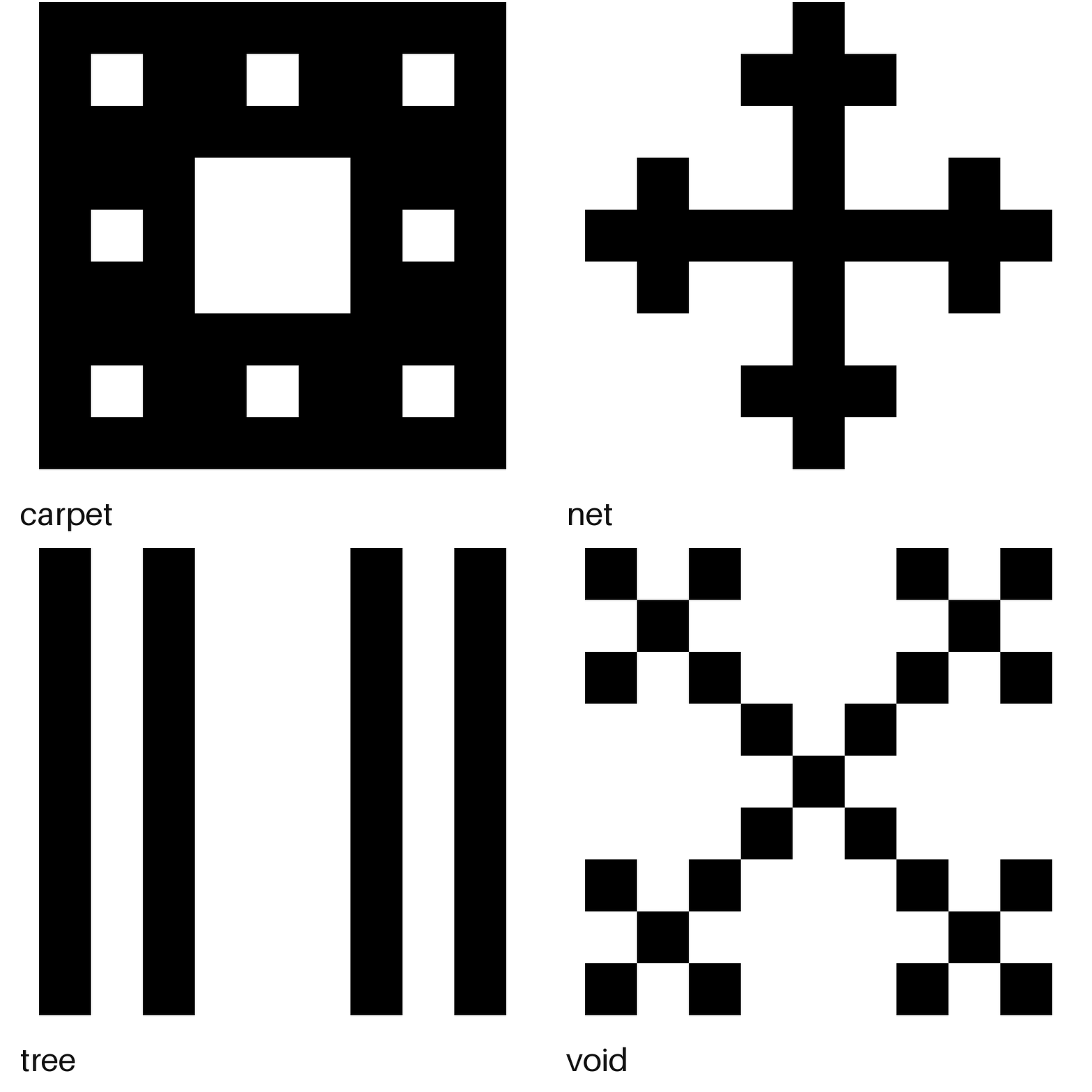
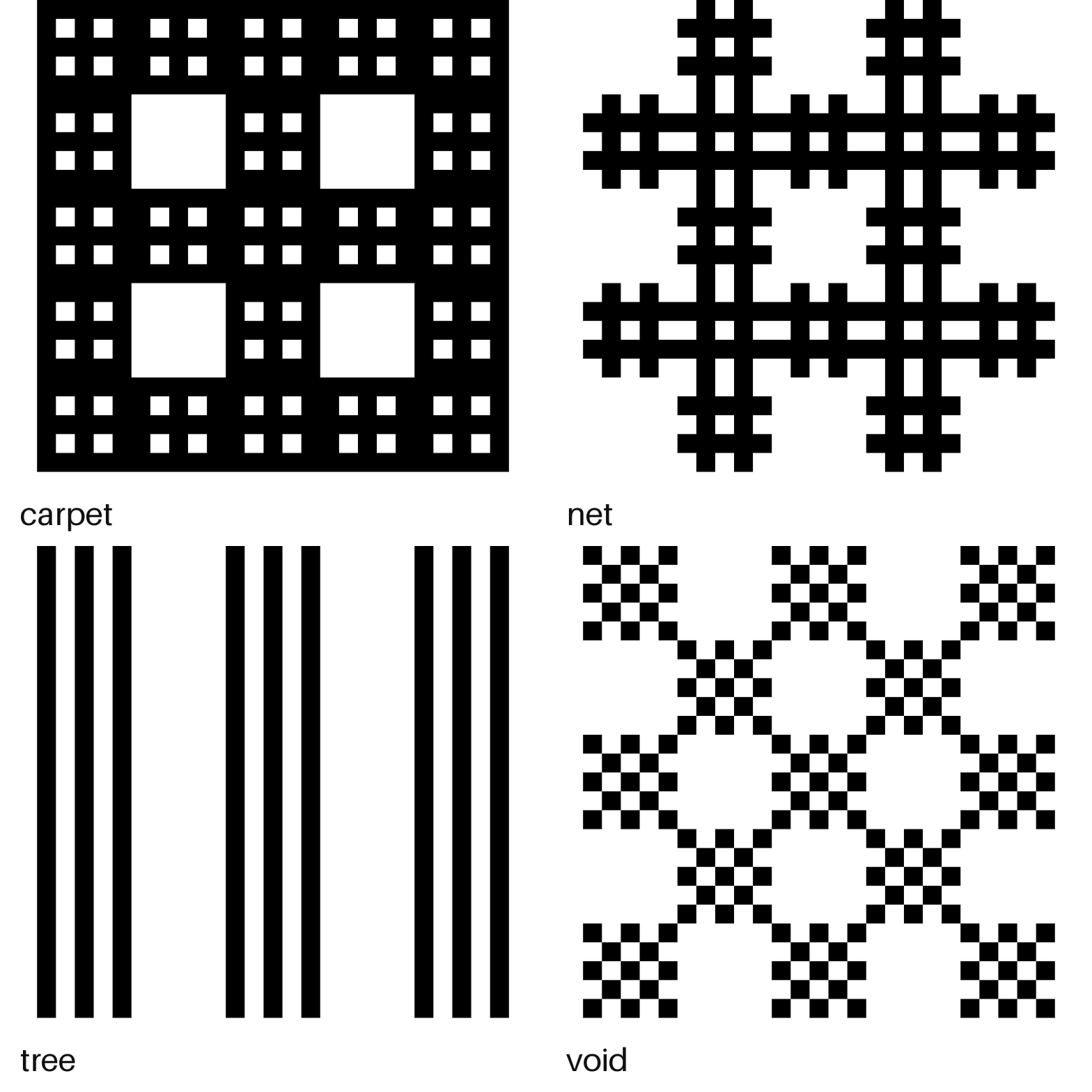
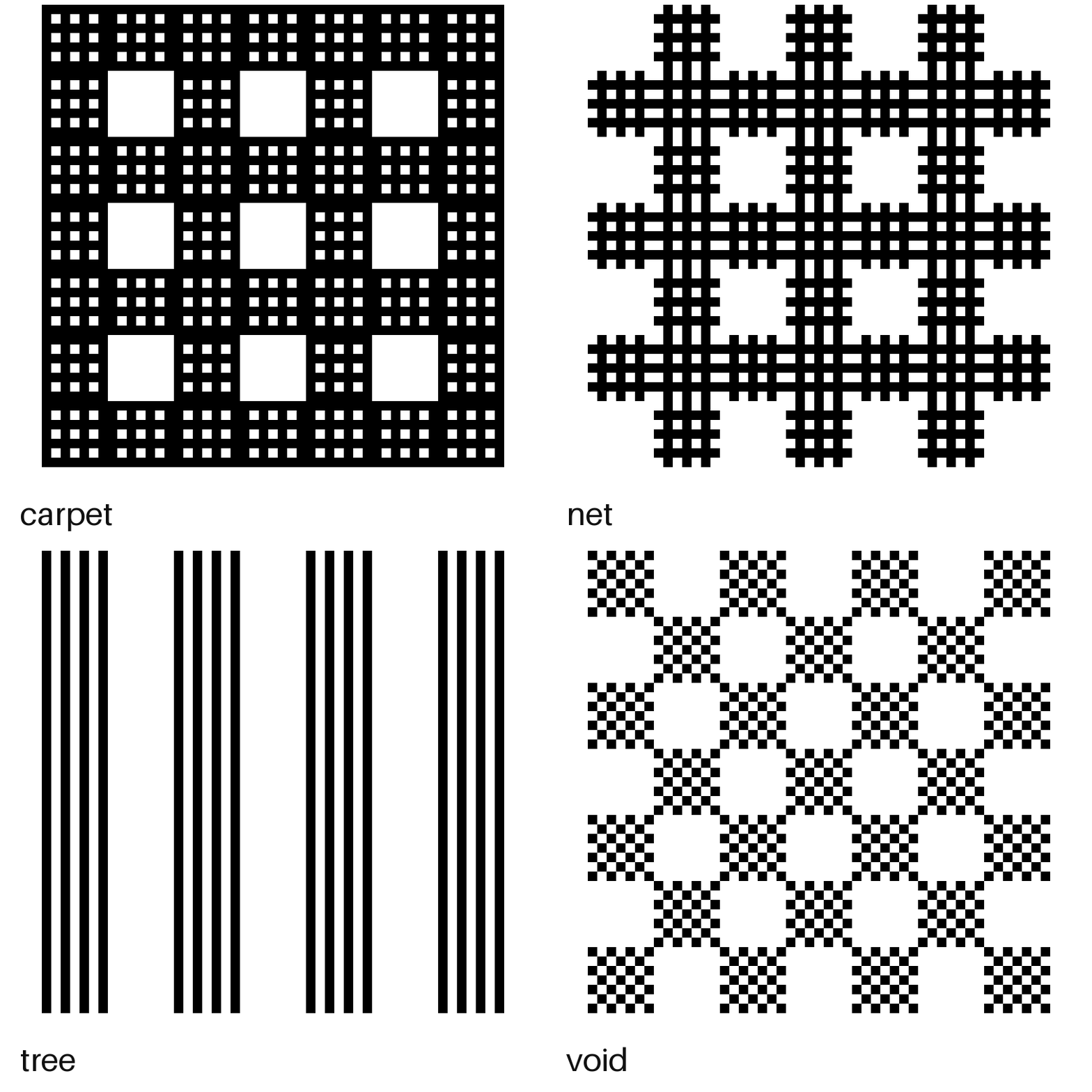
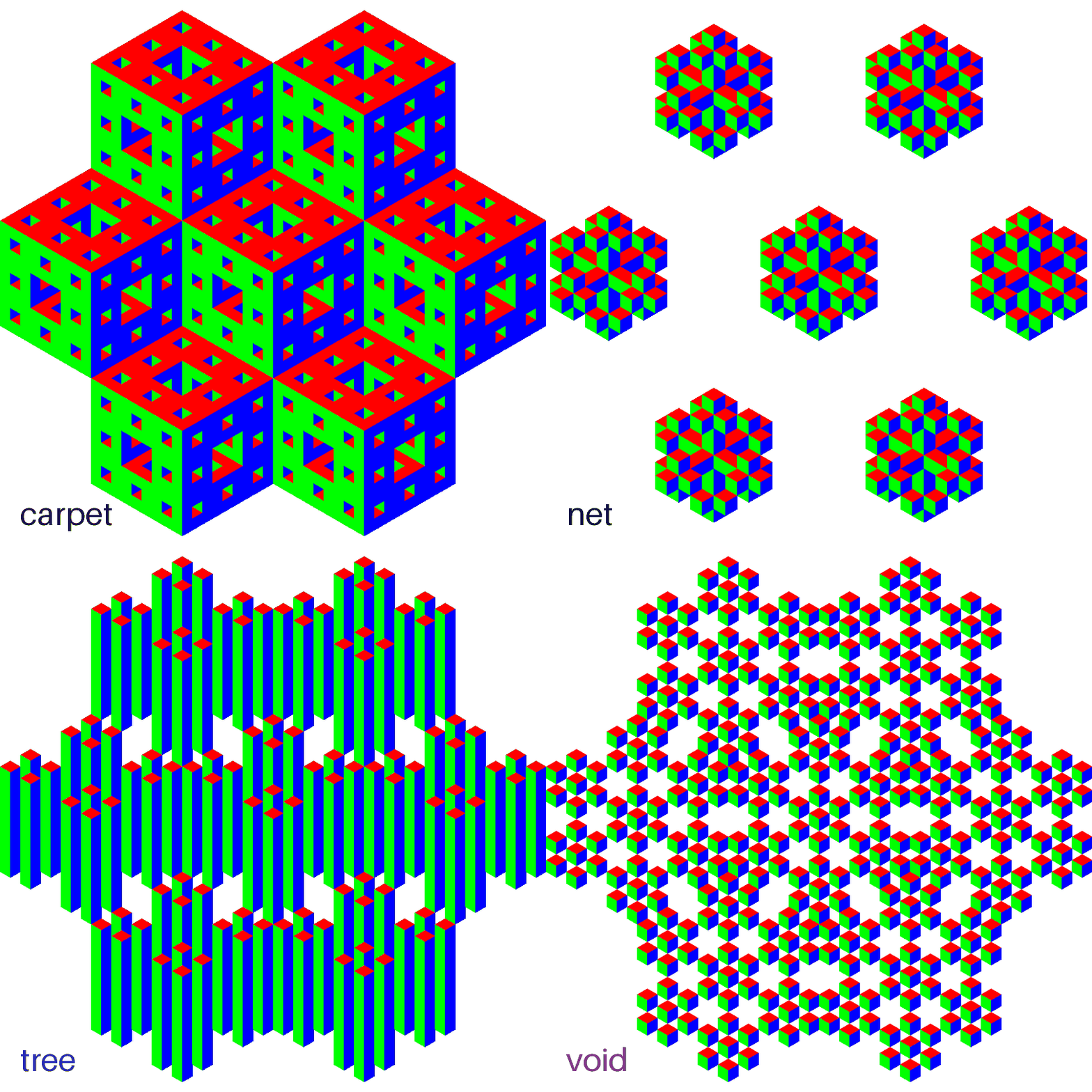
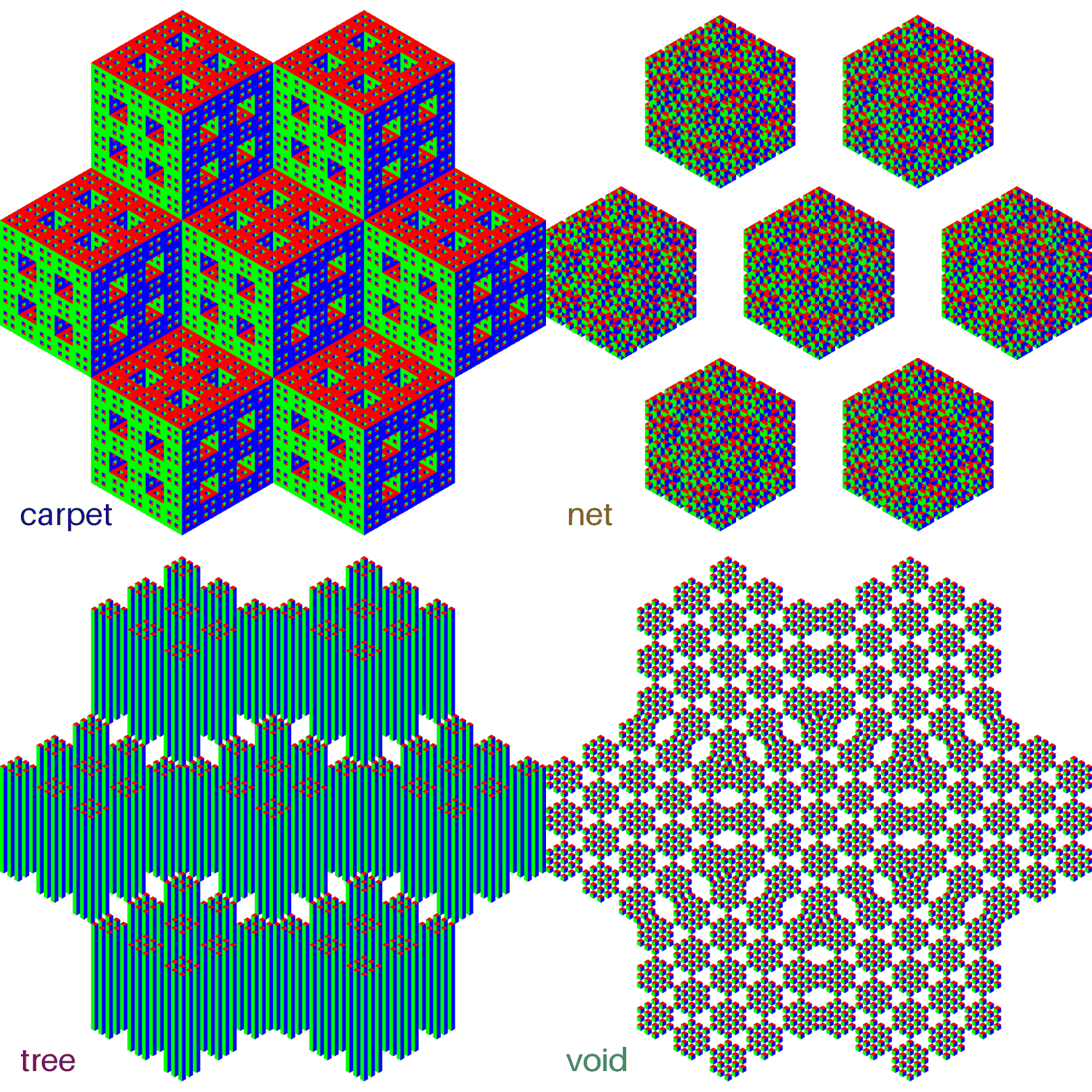
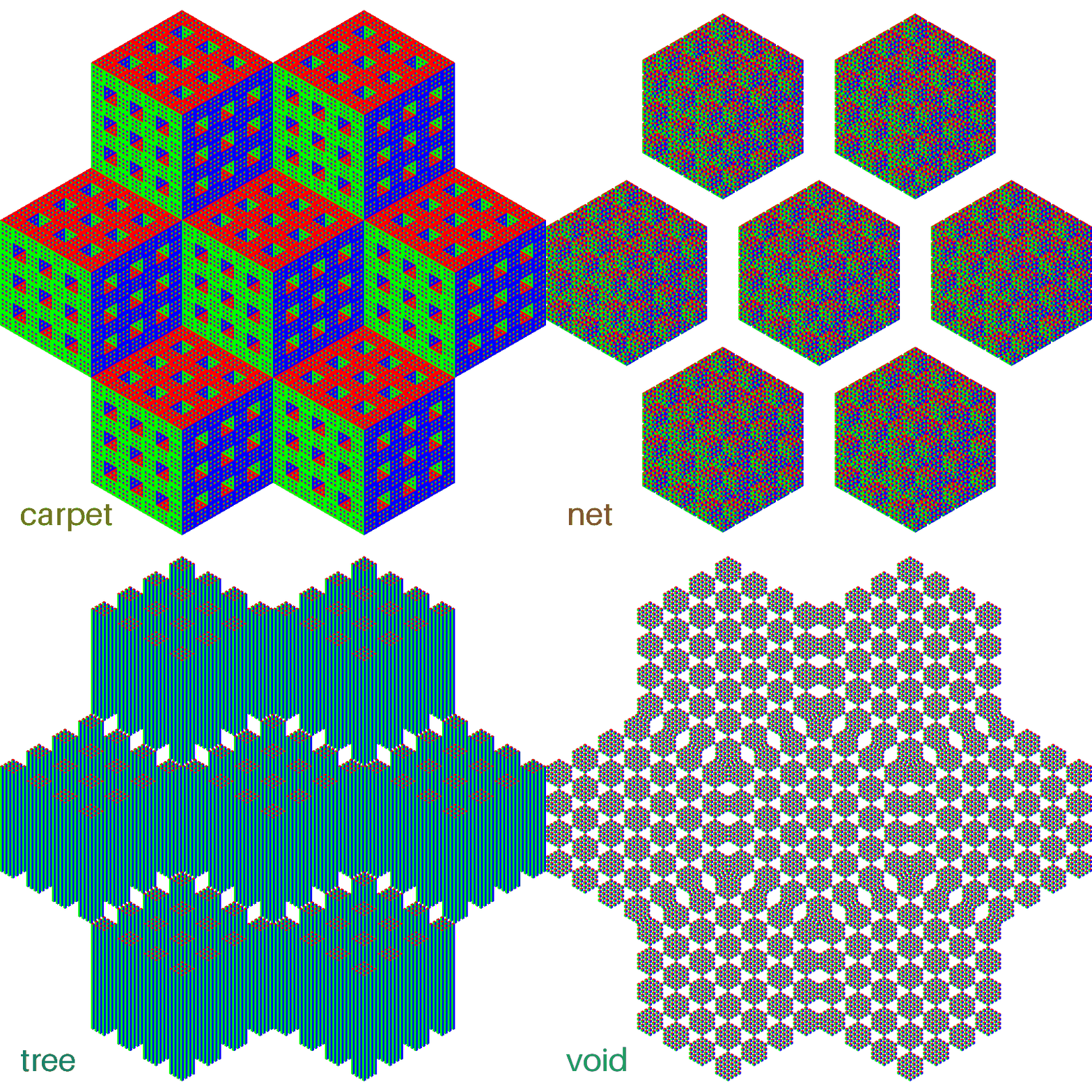
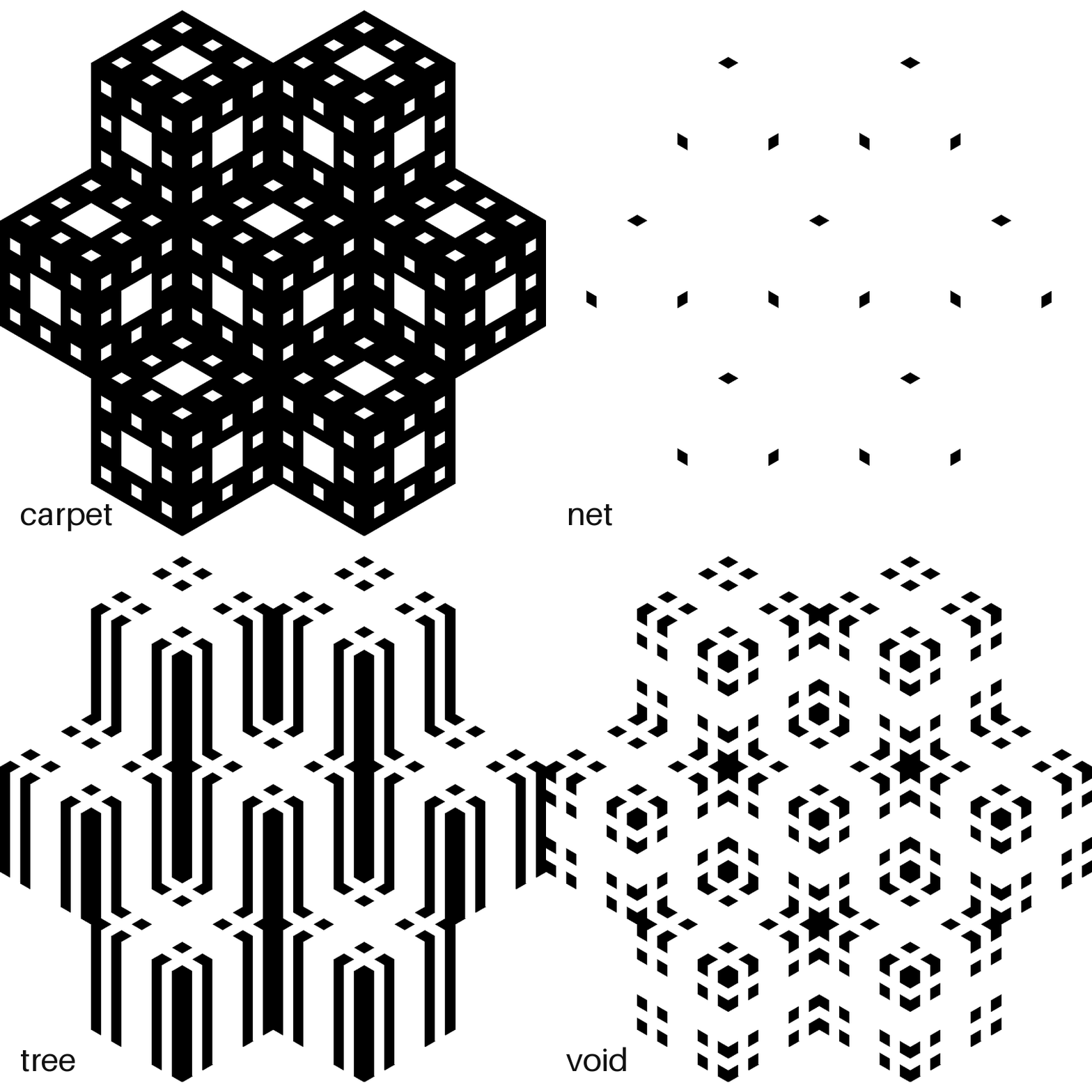
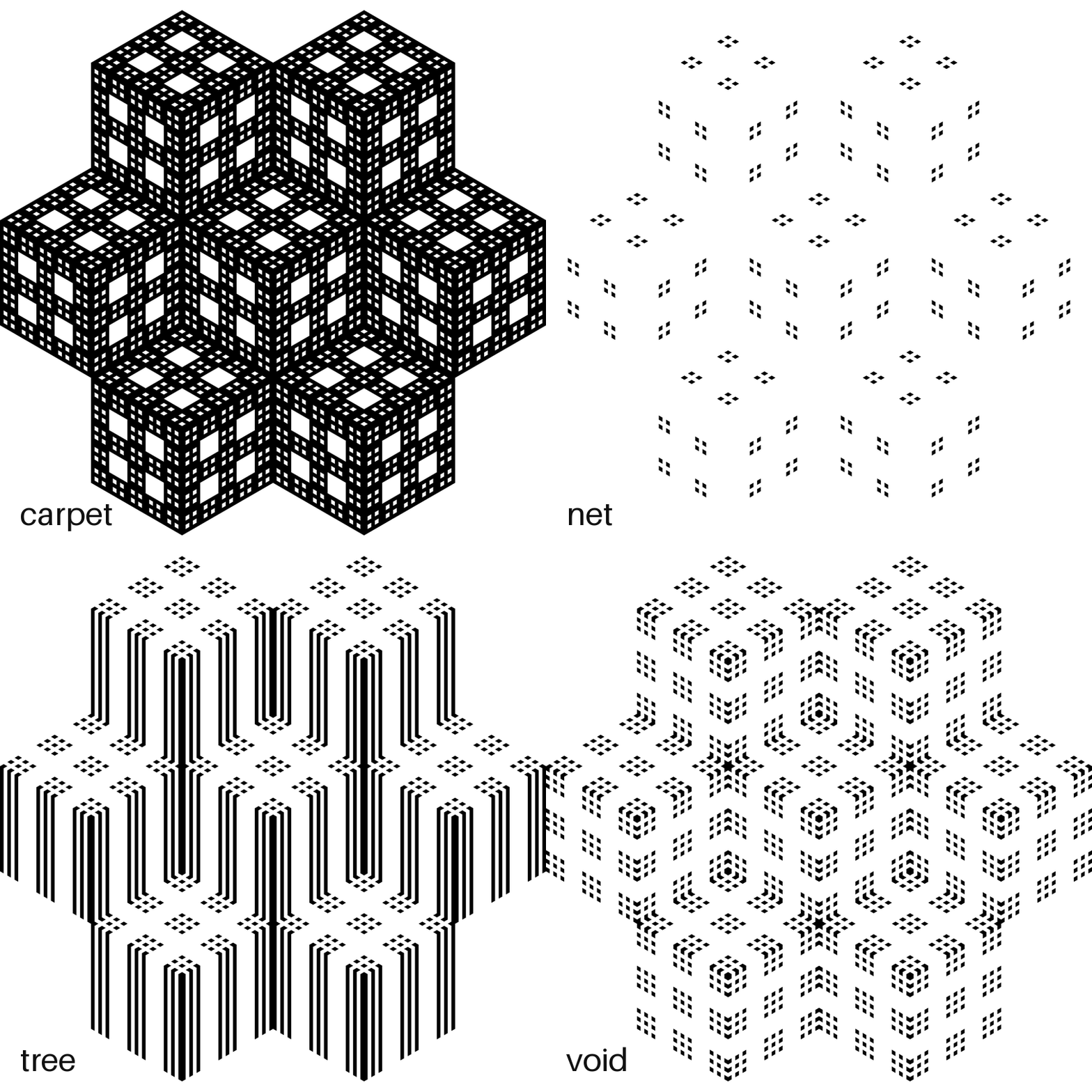
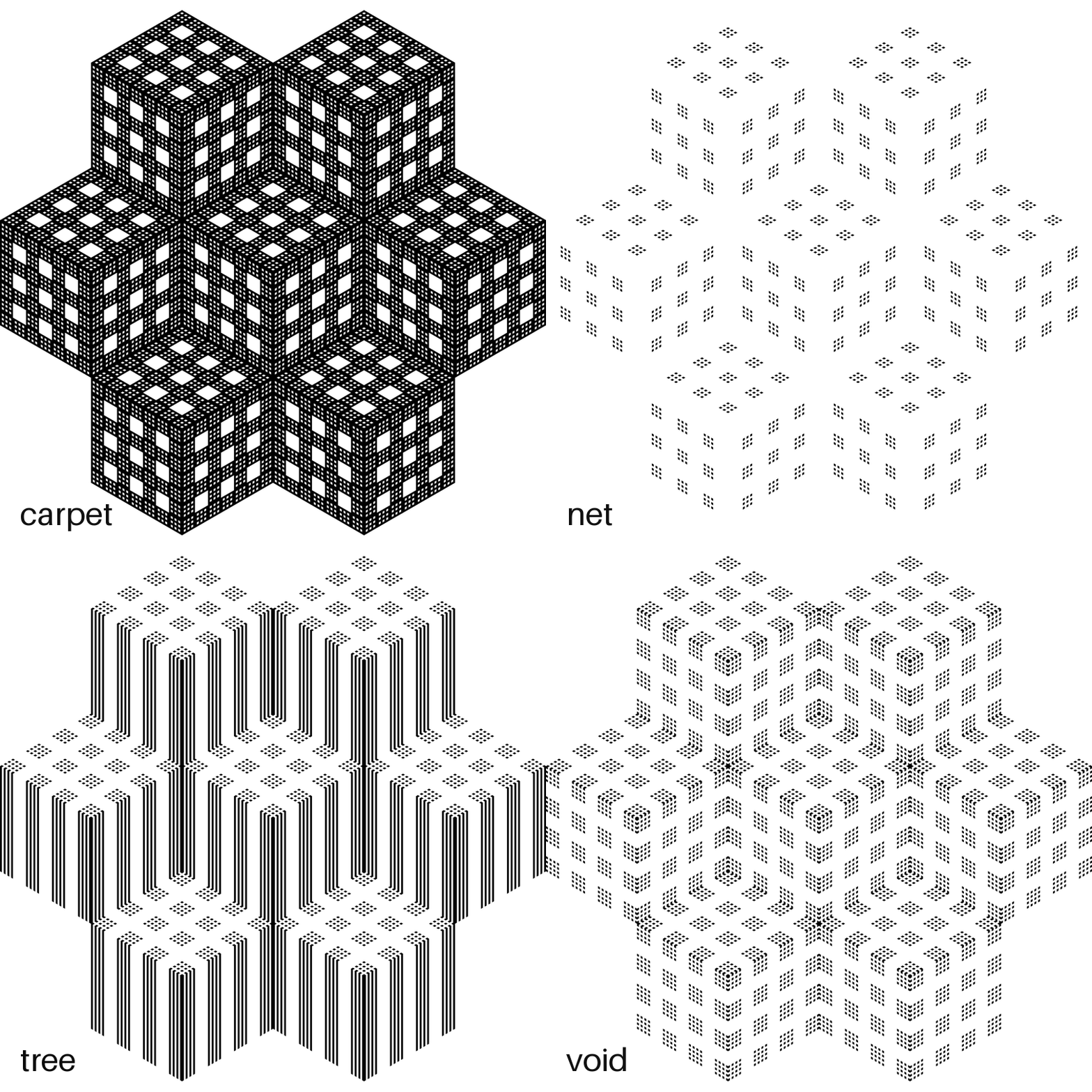
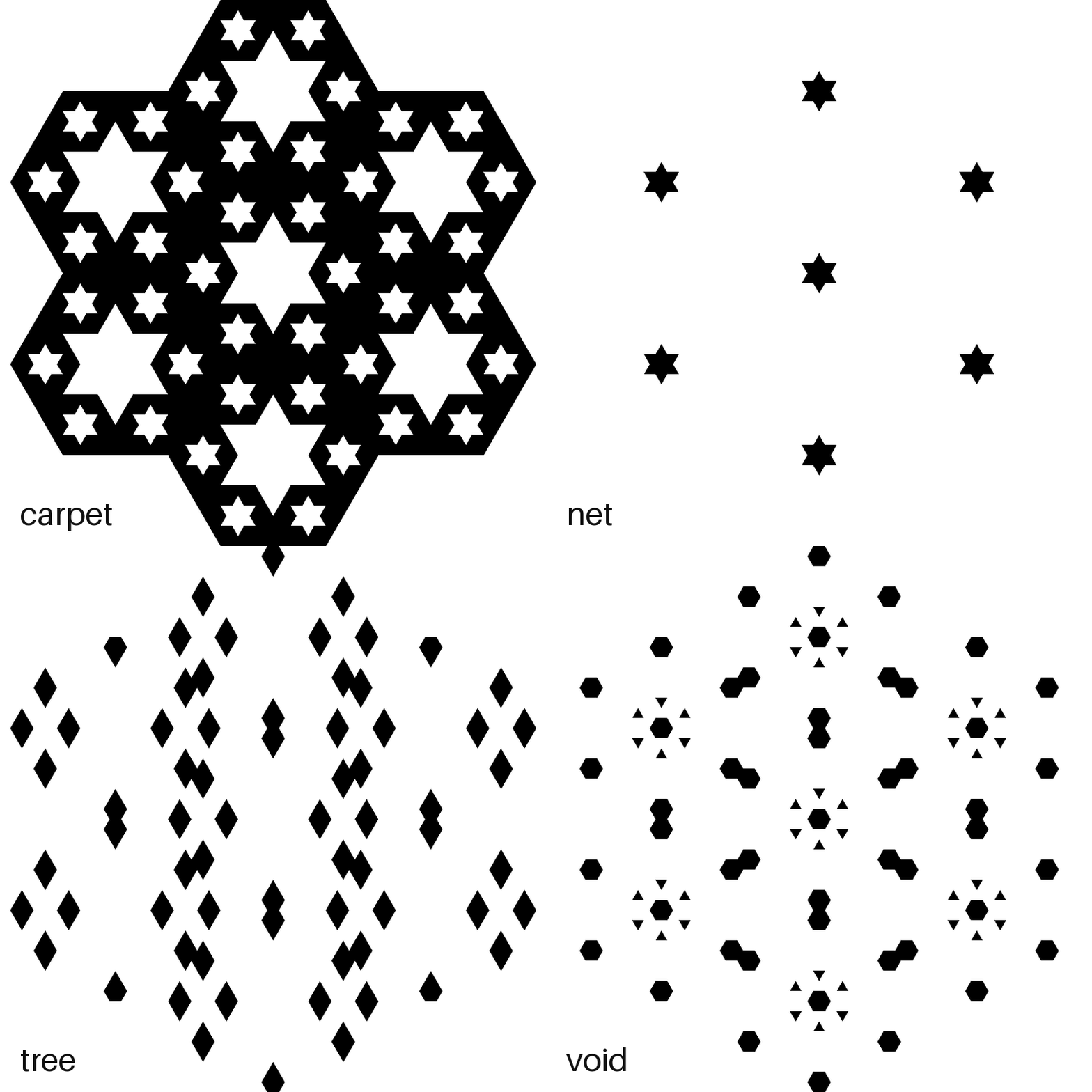
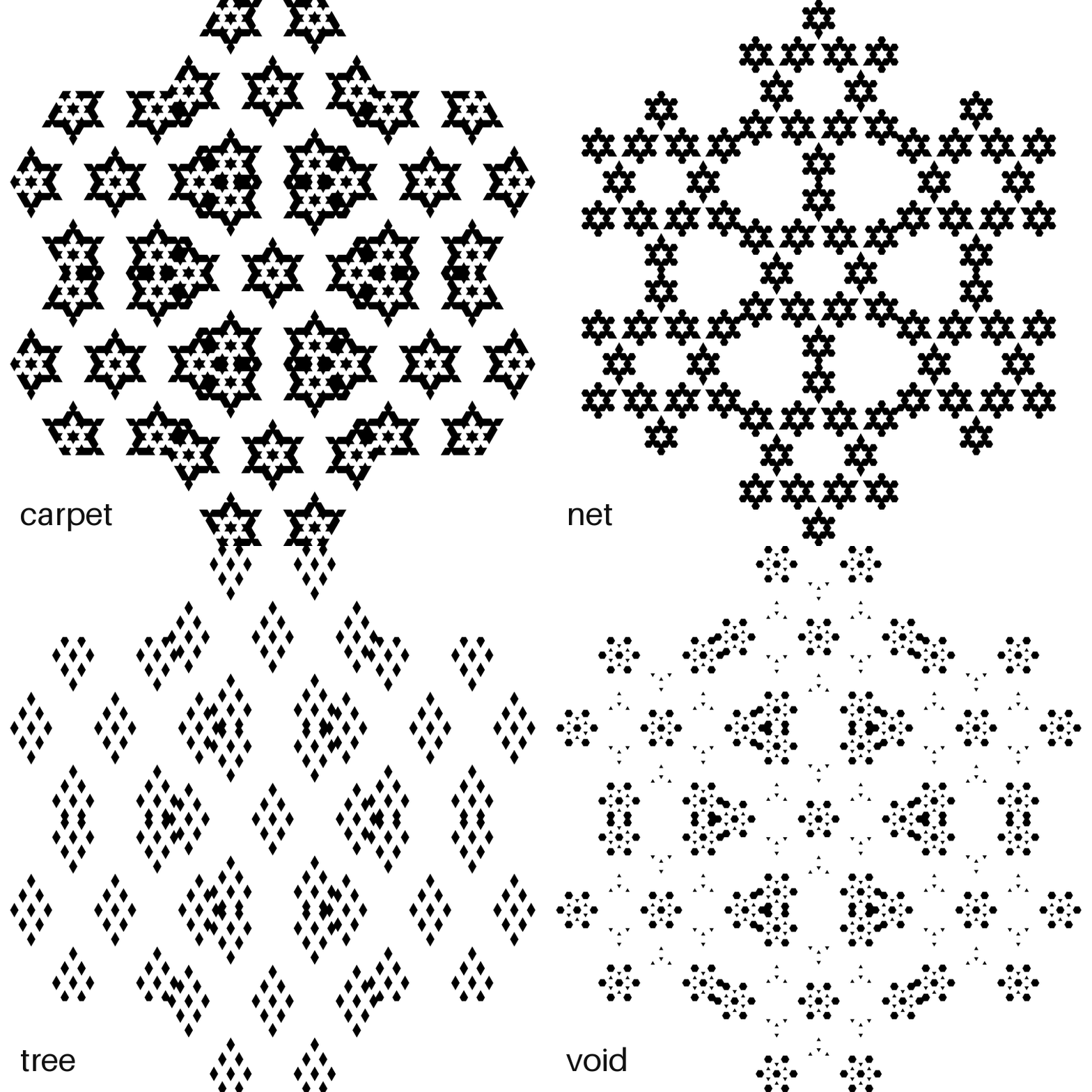
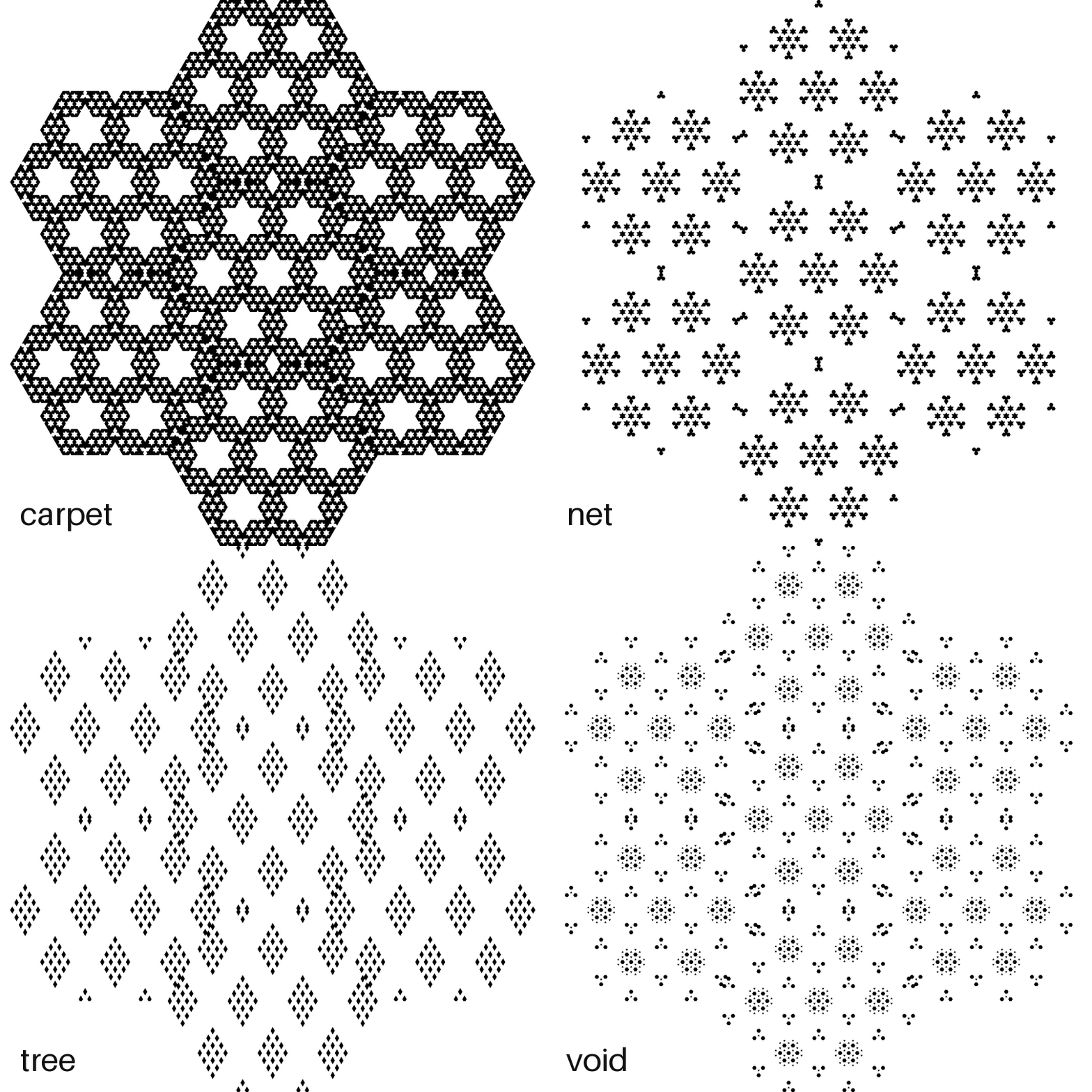
Every family draws four ways:
- flat — the rule in 2D: the pattern before a third axis exists
- iso — the whole 3D sponge, seen corner-on (the fancy word is isometric)
- pro — the three faces the sponge shows you
- cut — the diagonal slice through the middle
and each view animates the four families, one frame each, labeled in the corner:
- carpet — keep a cell when at most one axis is odd (the sponges above)
- net — keep when all axes are odd, or all but one
- tree — pick one axis to run free; keep when every other axis is even
- void — keep when every axis has the same parity
All at level 2 — the three sponge views tiled in rings around the center, the flat view left bare. Views down the side, numbers across the top. Read a column top to bottom and you watch one number grow up — flat pattern → sponge → faces → snowflake. (And peek at the flat carpet in the 5 column: it's the MrlyProd logo, one level deeper.)
| | 3 | 5 | 7 | | --- | --- | --- | --- | | flat | !the four families, number 3, flat | !the four families, number 5, flat | !the four families, number 7, flat | | iso | !the four families, number 3, iso | !the four families, number 5, iso | !the four families, number 7, iso | | pro | !the four families, number 3, pro | !the four families, number 5, pro | !the four families, number 7, pro | | cut | !the four families, number 3, cut | !the four families, number 5, cut | !the four families, number 7, cut |
Run uv run some26/showcase.py for the console, add all to draw every cell above, or cut 5 for just one.